Telegram · Categories
Dividers
Browse stickers, emoji and bots by topic.
Page 1 of 1
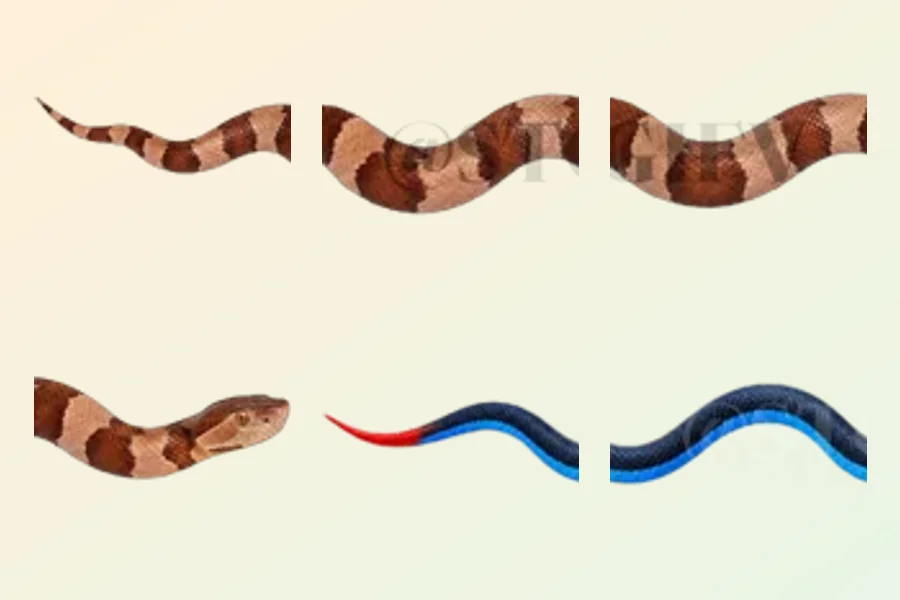
Dividers for clear and balanced Telegram posts
A divider can mark a pause between sections when a blank line needs a little more emphasis. In Telegram, choose one to suit a note, a collection of recommendations or a recurring channel feature. Decide first whether you need a quiet transition or a decorative focal point. A thin line and an elaborate ornament guide attention differently, so compare them alongside the text you intend to publish.
Check the element on a phone and against different backgrounds. A pale design may disappear, while a dense band can pull attention away from the heading. If you place several emoji in a row, inspect the gaps and the way the row wraps. A cover image does not guarantee a continuous strip at any length; assess the individual pieces in the order you actually plan to use them.
Consistent spacing and a similar visual weight can help readers recognise the structure of your posts. Dividers are standalone decorative elements, so the presence of a line or symbol does not establish that a pack includes a complete alphabet. Inspect the contents separately if you also need letters for headings. Leave breathing room around the decoration so that the break between sections remains clear and comfortable.